
Breaking into and succeeding as a Fashion Photo Editor and Retoucher. You make beautiful images even more amazing.
Learn the exact Photoshop and Capture One workflows that fashion studios, beauty brands, and e-commerce teams actually use in skin work, garment retouching, compositing, and all. Build the portfolio and career strategy to get paid for it.
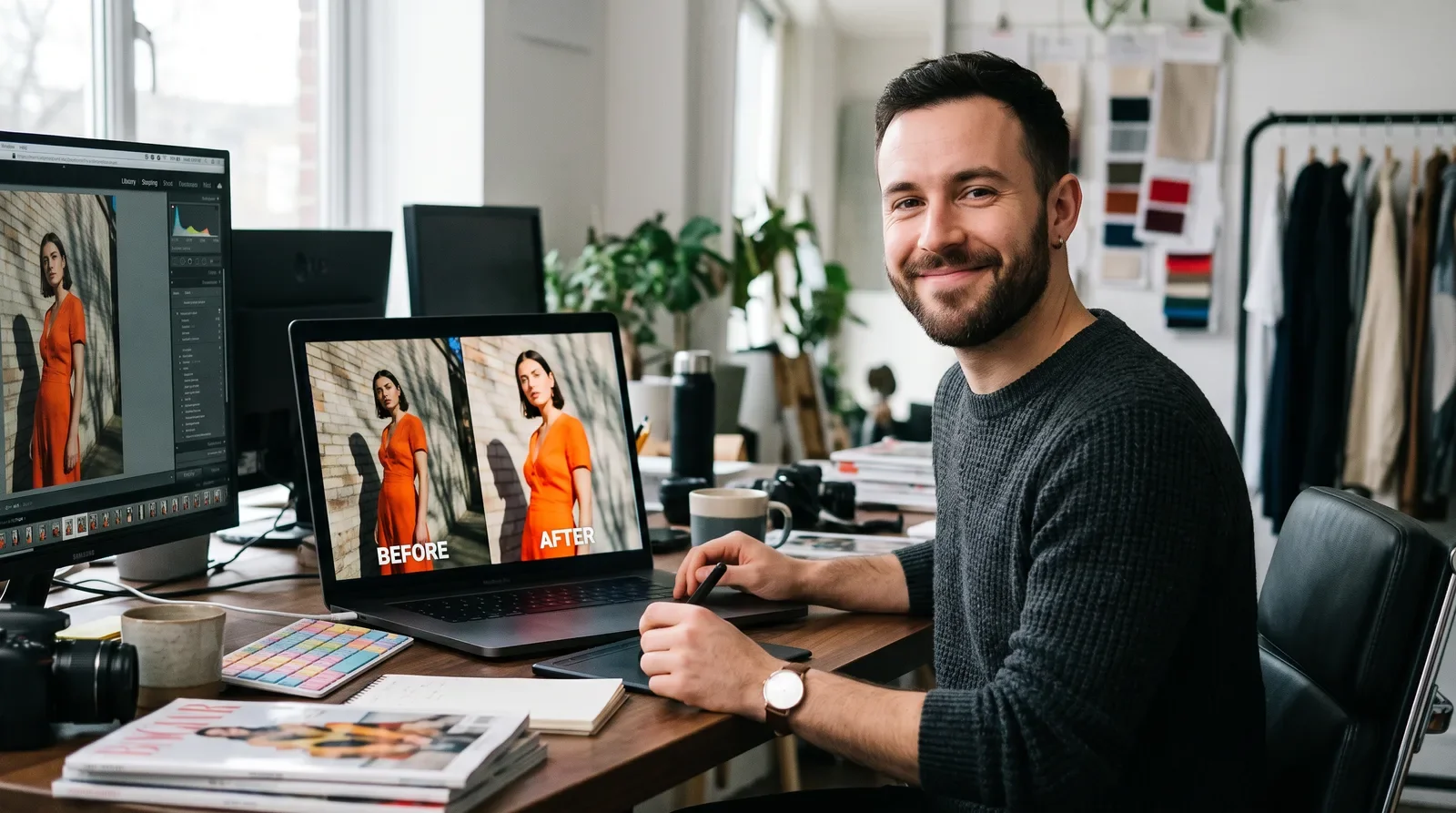
I'm not here to hype the dream — I'm here to show you exactly how professional retouching works and hand you the tools to do it yourself.
— Jennifer Xue of StyleCareer.com
What you'll learn
What you'll be able to do
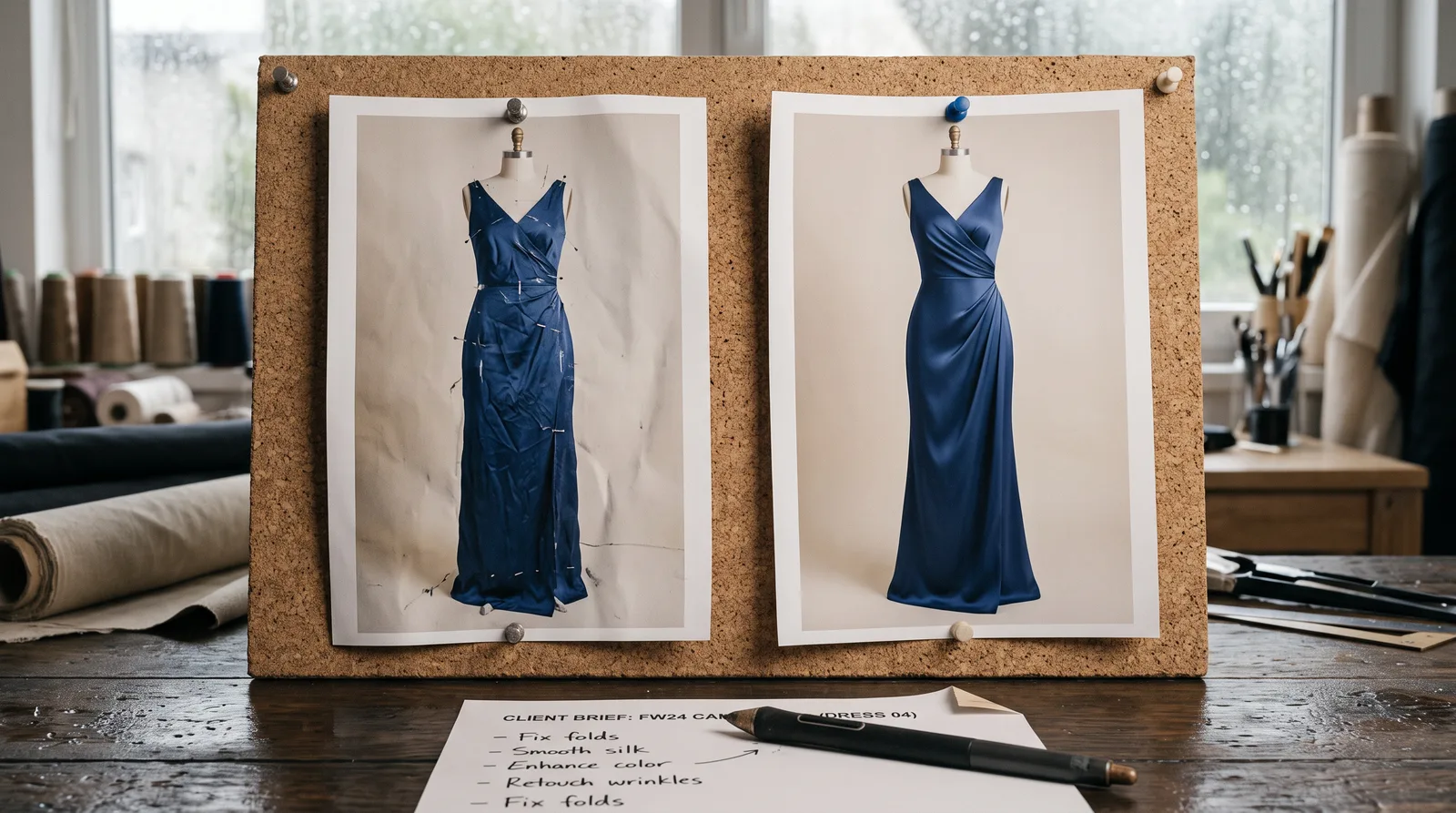
- Retouch skin, beauty, and garments to professional fashion-industry standards using Photoshop and Capture One in a fully non-destructive workflow
- Execute ghost mannequin, background removal, and batch processing for e-commerce product sets with consistency across hundreds of images
- Build composite campaign images by blending multiple shots with advanced masking, background replacement, and color grading
- Use AI-assisted retouching tools (Generative Fill, auto-retouch, batch AI) strategically — knowing exactly where they accelerate work and where they fall short
- Navigate client briefs, manage revision cycles, and deliver final files to professional studio handoff standards
- Assemble a portfolio showcasing beauty, e-commerce, and composite work — and land your first clients or retouching role through targeted career strategies
How it works
A school that adapts to you
This isn't a set of static videos. Every lesson is generated live and tuned to where you actually are.
We learn your level
A quick placement check tailors your starting point so you're never bored or lost.
Lessons adapt as you go
Each lesson is written for your pace and your goal, adjusting as your skills grow.
Your AI coach keeps you moving
Checkpoints, feedback, and gentle nudges turn progress into a real result.
The curriculum
What's inside your school
12 modules · 48 lessons
Myths & Realities of the Digital Fashion Retoucher Profession
Cuts through common misconceptions to give students a clear, honest picture of what professional fashion retouching actually involves.
- 1.1What a Fashion Retoucher Actually Does (vs. What People Think)Included
- 1.2Myth-Busting: "AI Does All of This Now" and Other MisconceptionsIncluded
- 1.3Retoucher vs. Photo Editor vs. Photographer vs. Graphic Designer — Clarifying the ConfusionIncluded
- 1.4A Day in the Life: Real Fashion Retouchers, Real WorkflowsIncluded
Foundations of Fashion Retouching
Builds the essential industry context — history, pipeline position, retouching categories, and client expectations — that underpins every practical skill in the course.
- 2.1The History and Evolution of Fashion Photo RetouchingIncluded
- 2.2Understanding the Retoucher's Role in the Production PipelineIncluded
- 2.3Types of Retouching: Beauty, Editorial, E-Commerce, CompositeIncluded
- 2.4Industry Standards and Client Expectations by CategoryIncluded
Core Tools & Workflow
Establishes a professional, non-destructive editing environment in Photoshop and Capture One that students will use throughout the entire course.
- 3.1Software Fundamentals: Photoshop, Capture One, and Non-Destructive EditingIncluded
- 3.2File Formats, Color Spaces, and Resolution for Fashion ImageryIncluded
- 3.3Building an Efficient Retouching WorkflowIncluded
- 3.4Practical Exercise: Set Up a Non-Destructive Retouching WorkflowIncluded
Skin & Beauty Retouching (with AI Tools)
Teaches professional skin and beauty retouching techniques — both manual and AI-assisted — with a strong emphasis on natural, editorial-quality results.
- 4.1Skin Retouching Fundamentals: Frequency Separation and Dodge/BurnIncluded
- 4.2Natural vs. Heavy Retouching: Knowing the LineIncluded
- 4.3AI-Assisted Retouching Tools: Speed, Consistency, and LimitationsIncluded
- 4.4Practical Exercise: Retouch a Beauty Image Using AI-Assisted ToolsIncluded
Garment & Product Retouching
Develops the specialist skills needed to retouch fabric, texture, and color so garments look accurate and appealing for both editorial and e-commerce use.
- 5.1Fabric and Texture Retouching: Preserving DetailIncluded
- 5.2Removing Wrinkles, Pins, and Clips Without Flattening FabricIncluded
- 5.3Color Accuracy and Matching Garment to Physical SampleIncluded
- 5.4Practical Exercise: Retouch a Garment for E-Commerce AccuracyIncluded
E-Commerce Retouching at Scale
Covers the high-volume, consistency-driven techniques that power professional e-commerce image production for fashion brands and retailers.
- 6.1Ghost Mannequin and Invisible Mannequin TechniquesIncluded
- 6.2Batch Processing and Consistency Across Large Product SetsIncluded
- 6.3Background Removal and Clipping Path TechniquesIncluded
- 6.4Practical Exercise: Retouch a Product Set for ConsistencyIncluded
Compositing & Advanced Techniques
Builds advanced skills in blending multiple images, replacing backgrounds, and color grading to create polished campaign-level composite imagery.
- 7.1Compositing Multiple Shots Into One Final ImageIncluded
- 7.2Background Replacement and Environmental CompositingIncluded
- 7.3Advanced Color Grading for Campaign ImageryIncluded
- 7.4Practical Exercise: Build a Composite Campaign ImageIncluded
Working with Clients & Creative Teams
Prepares students for the professional communication and file-delivery standards required to work inside studios, agencies, and direct client relationships.
- 8.1Understanding Creative Direction and Retouching BriefsIncluded
- 8.2Managing Revisions and Client FeedbackIncluded
- 8.3Delivering Files: Formats, Specs, and Handoff StandardsIncluded
- 8.4Practical Exercise: Execute a Full Revision Cycle from Brief to DeliveryIncluded
Ethics, Body Image & Industry Standards
Equips students to make informed, responsible retouching decisions by understanding ethical frameworks, representation, and real-world regulations.
- 9.1Retouching Ethics: Where Brands and Regulators Draw LinesIncluded
- 9.2Body Diversity, Representation, and Responsible RetouchingIncluded
- 9.3Regional Regulations on Altered Imagery (Where They Exist)Included
- 9.4Practical Exercise: Audit an Image Against Ethical Retouching StandardsIncluded
AI & Technology Transforming Fashion Retouching
Gives students a strategic, practical understanding of the AI tools reshaping the profession — and how to stay indispensable as automation advances.
- 10.1The AI Retouching Stack: Generative Fill, Auto-Retouch, and Batch AI ToolsIncluded
- 10.2Using AI for Speed Without Sacrificing Quality or AuthenticityIncluded
- 10.3AI Image Generation vs. Retouching: Where the Lines BlurIncluded
- 10.4Staying Valuable as AI Automates Routine Retouching TasksIncluded
Building Your Portfolio & Personal Brand
Guides students through assembling a focused, professional portfolio and the online presence needed to attract clients and employers.
- 11.1What a Retouching Portfolio Should Include (Before/After Done Right)Included
- 11.2Showcasing Range: Beauty, E-Commerce, and Composite WorkIncluded
- 11.3Building an Online Presence: Website, Behance, and InstagramIncluded
- 11.4Practical Exercise: Assemble Your Retouching PortfolioIncluded
Breaking Into the Industry & Career Growth
Gives students a concrete, actionable roadmap for landing their first retouching role or clients and building a sustainable long-term career.
- 12.1Entry Points: Retouching Assistant, Studio Freelance, Remote WorkIncluded
- 12.2Pricing Your Services: Per-Image, Per-Project, and Retainer ModelsIncluded
- 12.3Networking: Photographers, Studios, and Post-Production HousesIncluded
- 12.4Where to Apply: Studios, Agencies, Brands, and Freelance PlatformsIncluded
Who it's for
Is this you?
The self-taught retoucher
She's been editing images for years but knows her workflows have gaps — this school gives her the professional structure and standards she's been missing.

The fashion photographer
He shoots campaigns and e-commerce but hands off all post-production — learning to retouch his own work means more creative control and a bigger service offering.

The recent design grad
She has strong Photoshop fundamentals from school but wants to specialise in a high-demand commercial niche rather than compete as a generalist.

The retouching assistant
He's doing entry-level work at a studio and needs to level up fast — from skin technique and e-commerce consistency to handling client briefs on his own.

The freelance photo editor
She edits images across multiple niches but wants to focus on fashion and beauty, where rates are higher and repeat client work is more reliable.

The career changer
He's coming from a different creative field and wants a structured, honest path into professional retouching — not another course that skips the career reality.
Questions
Frequently asked
Jennifer Xue
A note from your teacher

Jennifer Xue of StyleCareer.com
If you've been teaching yourself retouching from YouTube tutorials and feel like you're always a few steps behind where real studios work; I built this school for you.
Here's what I see constantly: talented editors who can move a slider and run a filter, but who freeze when a client brief lands in their inbox, don't know how to structure a non-destructive file someone else can open and revise, and have no clear idea what separates beauty retouching standards from e-commerce standards, or why that distinction matters enormously when you're delivering work professionally. Technique isn't the only gap. Workflow, communication, ethics, pricing; those are gaps too, and nobody talks about them plainly.
This school talks about them plainly. Every section is built around how fashion retouching actually works inside studios and agencies, not an idealized version of it. You'll learn frequency separation and dodge/burn the way a beauty retoucher applies them on a real deadline. You'll learn ghost mannequin and batch processing the way an e-commerce team expects a consistent set of 200 product images, not just one hero shot. You'll learn compositing with the same masking and color grading discipline that campaign work demands. And you'll learn where AI tools fit into that stack honestly where Generative Fill saves you real time and where it creates problems you'll spend longer fixing than if you'd done it manually.
I also cover what most retouching courses skip entirely: the client side. How to read a brief. How to manage a revision cycle without it spiraling. How to deliver files that meet handoff standards the first time. How to price your work without undercharging yourself into burnout. And how to build a portfolio that shows range with beauty, e-commerce, and composite, because that's what gets you hired.
The industry is changing fast. AI is automating the lowest-skill end of retouching, and that's only going to accelerate. The retouchers who stay valuable are the ones who understand the craft deeply enough to direct AI tools rather than be replaced by them, who can handle complex briefs, and who work like professionals from the first file they open. That's what this school builds.
Come in with curiosity and a willingness to do the work. Leave with a real portfolio and a clear path into the industry.
— Jennifer Xue of StyleCareer.com
Start your journey today
Get instant access — learn at your own pace with an AI coach in your corner.
$39/mo
Recurring billing · cancel anytime
Secure checkout · Instant access
- 12 modules, 48 lessons
- AI-adaptive lessons tuned to your level
- Quizzes & checkpoints to lock in progress
- Your own AI learning coach
- Learn on any device, at your pace
- Full access for as long as you're subscribed